Adobe Photoshop Artboard Resize Tool

Resize for Adobe Photoshop Artboards
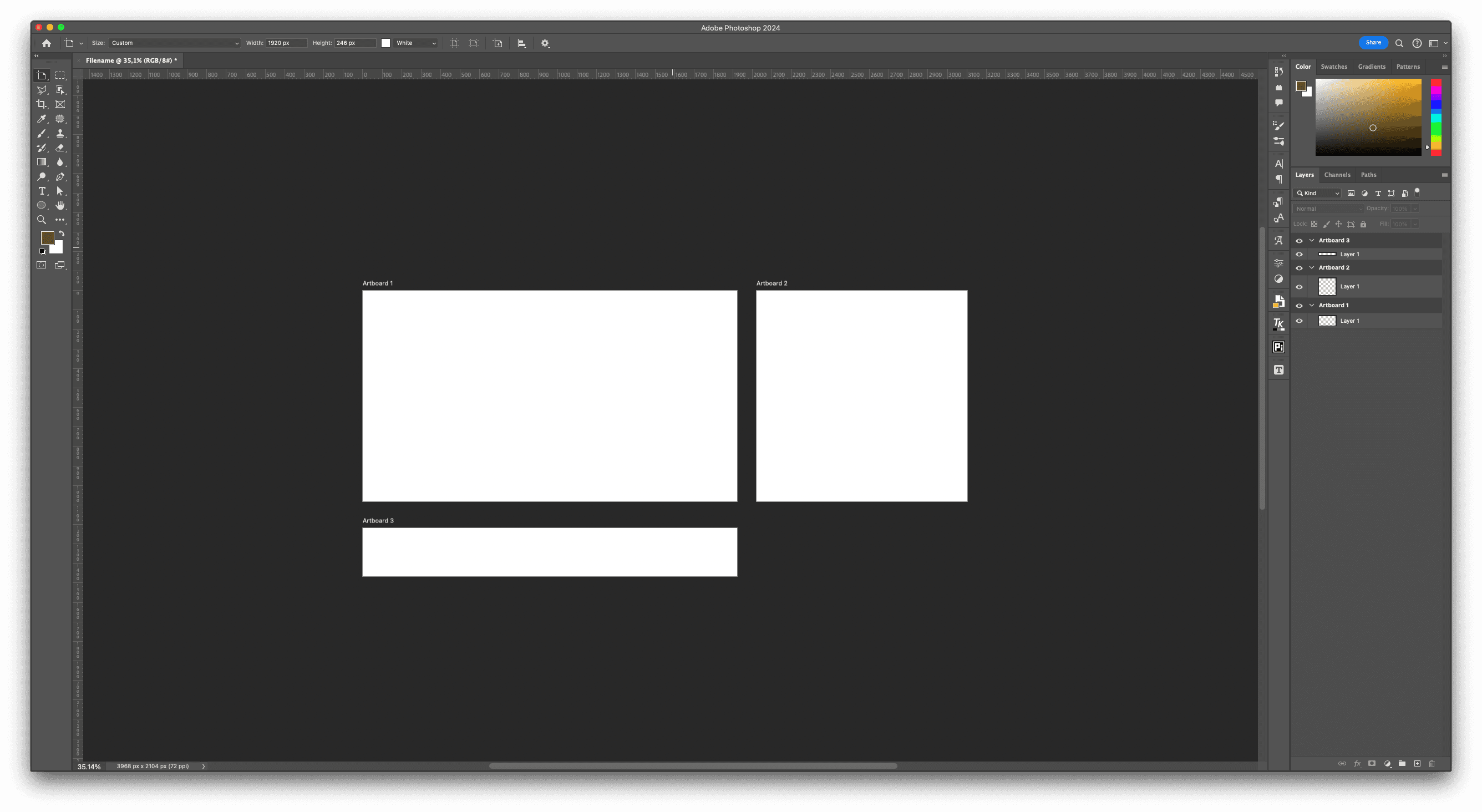
If you work with multiple artboards in Photoshop, you already know the tedious part. Changing sizes means selecting each artboard one by one, opening its properties, typing the new dimensions, and fixing the position, over and over again. For a social kit or an ad set, that's a lot of repeated clicks for something that should take seconds.
So I built Artboard Resize Tool, a small UXP panel that resizes every artboard in your document at once.
What it does
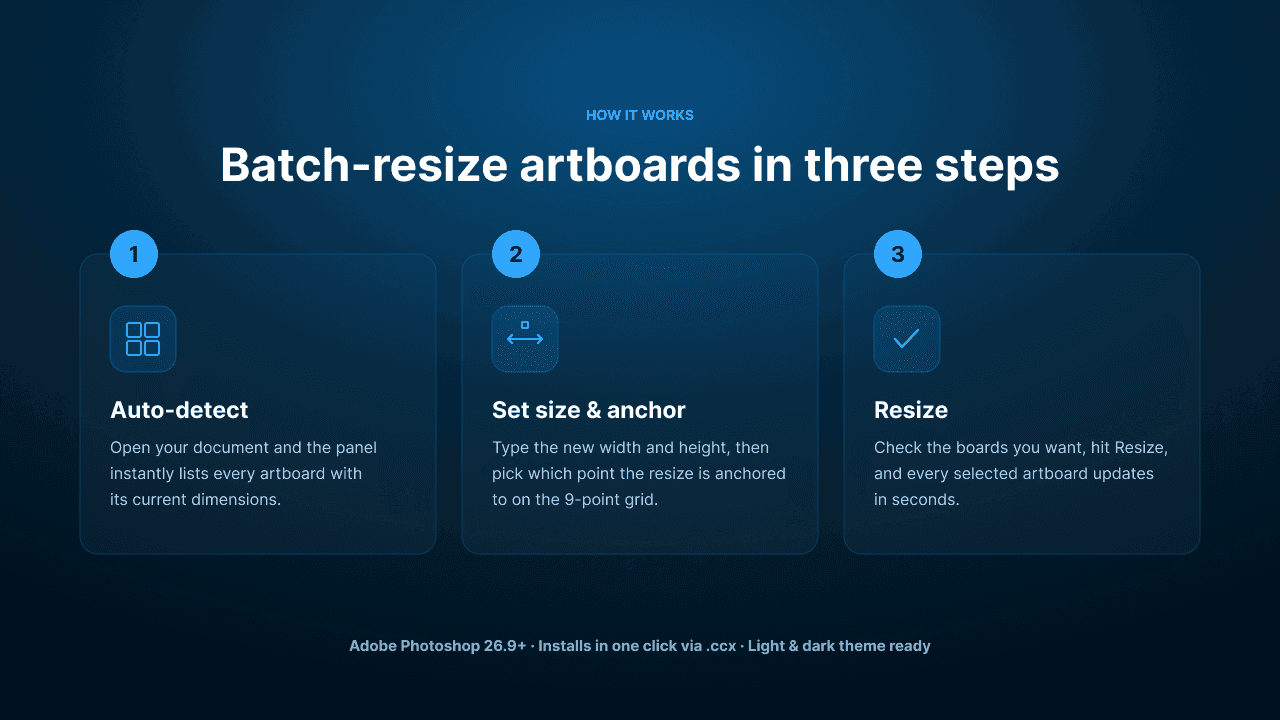
The panel automatically detects every artboard in your active document and lists it with its current dimensions. You set a new width and height once, choose an anchor point, pick the boards you want, and hit resize. That's it, all selected artboards update together.
The anchor point is the part I care about most. A 9-point grid lets you decide exactly where the resize is pinned, from top-left to center to bottom-right and everything between, so your content stays where you expect instead of drifting off-frame.
How it works
Auto-detect. Open your document and the panel lists every artboard.
Set size and anchor. Type the new width and height, then pick an anchor point.
Resize. Select the boards you want and click Resize Artboards.
Requirements
Adobe Photoshop 26.9 or later
Installs in one click via a
.ccxfile (Creative Cloud handles the rest)Works in both light and dark themes
Download
The plugin is free. You can grab it below. If you run into anything or have a feature in mind, reach out, I read every message.
date published
Jul 18, 2026
reading time
5 min